Localization teams are being asked to do more with less. Release cycles are shorter, content volumes are growing, and market expectations for simultaneous global launches have never been higher. Manual processes - copy-pasting strings, chasing statuses over email, running QA checks by hand - cannot keep pace.
Automation is how modern localization teams bridge that gap. When implemented correctly, it removes the repetitive work from your pipeline, catches quality issues before they reach production, and gives your team the space to focus on decisions that actually require human judgment.
This guide covers both sides of localization automation: how to streamline the content pipeline itself, and how to apply automated quality assurance without compromising the linguistic accuracy that only skilled reviewers can provide.
Want the foundational framework first? See the 5 core building blocks for successful localization automation before you build your pipeline.
What is localization workflow automation?
Localization workflow automation is the use of technology to handle repetitive, rule-based tasks in the localization process - so your team can focus on work that requires real judgment.
It encompasses everything from how content moves between tools and stakeholders, to how translation memories are built and applied, to how quality checks are triggered and completed. The goal is a pipeline where the right content reaches the right person at the right time, with as little manual coordination as possible.
Automated localization is not about replacing translators or QA professionals. It is about removing the administrative overhead that surrounds their work - the importing, the exporting, the status updates, the repetitive checks - so that skilled people spend more time on the tasks that actually need their expertise.
Why should you automate your localization workflow?
Automation reduces time-to-market, lowers costs, and creates the scalability your pipeline needs as content volumes grow.
The global localization industry reached $71.7 billion in 2024 and is projected to continue growing at around 7% per year. As more products go global and content release cycles shorten, teams that rely on manual processes simply cannot keep pace.
Here is what automation delivers across the pipeline:
| Benefit | How automation achieves it |
|---|---|
| Faster time to market | Administrative tasks that took hours complete in seconds. |
| Lower costs | Less manual effort reduces per-project spend. |
| Fewer errors | Automated checks catch issues that slip past tired reviewers. |
| Better scalability | Workflows handle larger content volumes without additional headcount. |
| Greater consistency | Translation memories and glossaries enforce terminology everywhere, automatically. |
Part 1: How to automate the content localization pipeline
What does automated content import and export actually replace?
Automated import and export replaces manual file transfers with a single action - or no action at all - by connecting your localization platform directly to your source systems.
The localization process involves a wide range of stakeholders: writers, designers, translators, developers, and QA reviewers all need to pull content into their respective workspaces and push it back when finished. Without automation, this means hours of copy-pasting between tools, introducing version errors and delays at every handoff.
A centralized localization content management platform (CMS) changes this by acting as a live hub. Anyone with the right access can push and pull content as needed - between computer-assisted translation (CAT) tools, product code, design files, or any other workspace - without manual file handling.
For teams using APIs or custom integrations, automated content syncing can be triggered by code commits, file changes, or content status updates. When a developer pushes new strings to a repository, the localization platform can automatically detect and queue them for translation - with no human intervention required.
Why does manual status tracking break down at scale?
Automated status tracking gives every stakeholder real-time visibility into where each string sits in the pipeline - and automatically routes it to the next person when it is ready.
Localization status tracking is the practice of identifying each text string by its current phase: untranslated, in translation, under review, or ready for production. Without automation, project managers track this manually - often in spreadsheets - which is slow, error-prone, and hard to keep accurate as content volumes grow.
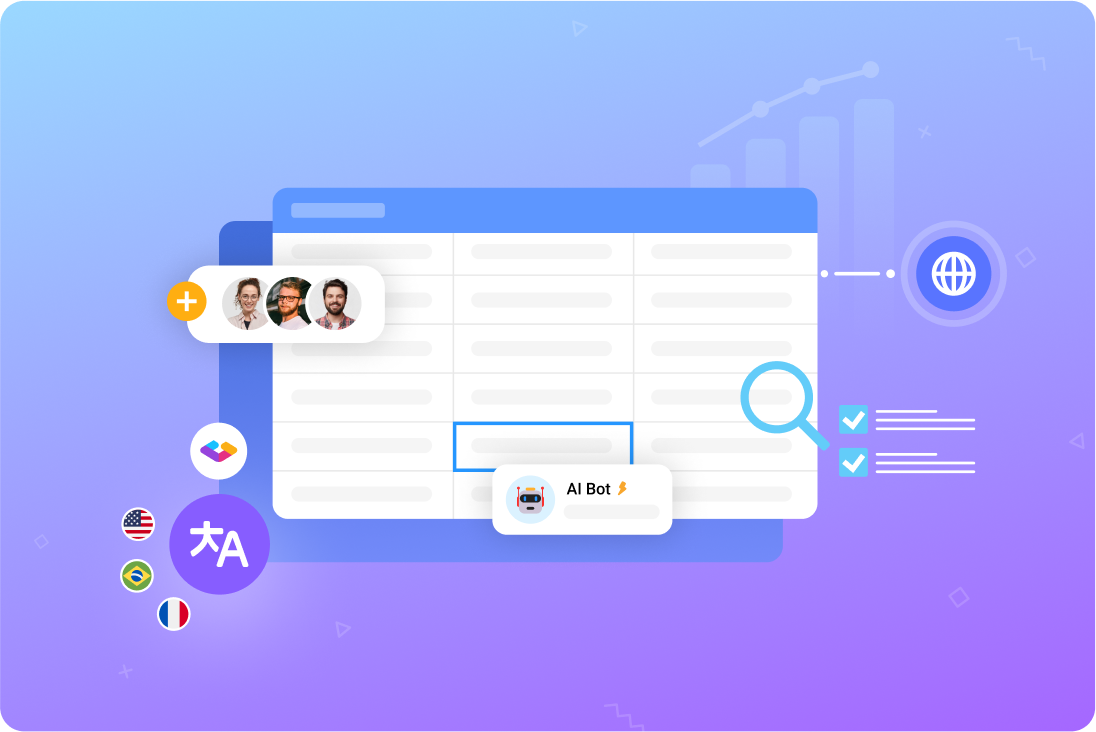
This is one of the key limitations of using Google Sheets for localization. An advanced localization platform detects the status of each string automatically and updates it as work progresses. When a string is translated and approved, the platform assigns it to the next stage and notifies the relevant team member - without anyone needing to update a tracker by hand.
The practical result is that project managers always know what is done, what is in progress, and what is blocked - without chasing updates from individual contributors.
What makes translation memory one of the highest-value automations?
Translation memory (TM) automatically stores approved translations and applies them to matching strings in future projects - improving consistency while reducing translator effort.
A translation memory is a database that records every approved translation your team produces. When the same phrase, sentence, or segment appears again - in a new product update, a localized marketing asset, or a new language variant - the platform automatically surfaces the stored translation and prompts the translator to reuse it.
This works on its own. As your team translates, the TM grows. As the TM grows, more matches are found. Over time, a mature translation memory significantly reduces the amount of new translation required for each update, because much of the content has already been translated and approved before.
The efficiency gains are compounded over time: teams that invest in maintaining a high-quality TM get progressively faster and cheaper translation cycles without any drop in consistency.
Translation memories are particularly valuable for:
- UI strings that appear across multiple products or screens.
- Marketing boilerplate that is reused across campaigns.
- Legal and compliance text that must be worded identically everywhere.
- Game content where character names, item names, and system messages recur throughout a title.
Where does machine translation belong in an automated pipeline?
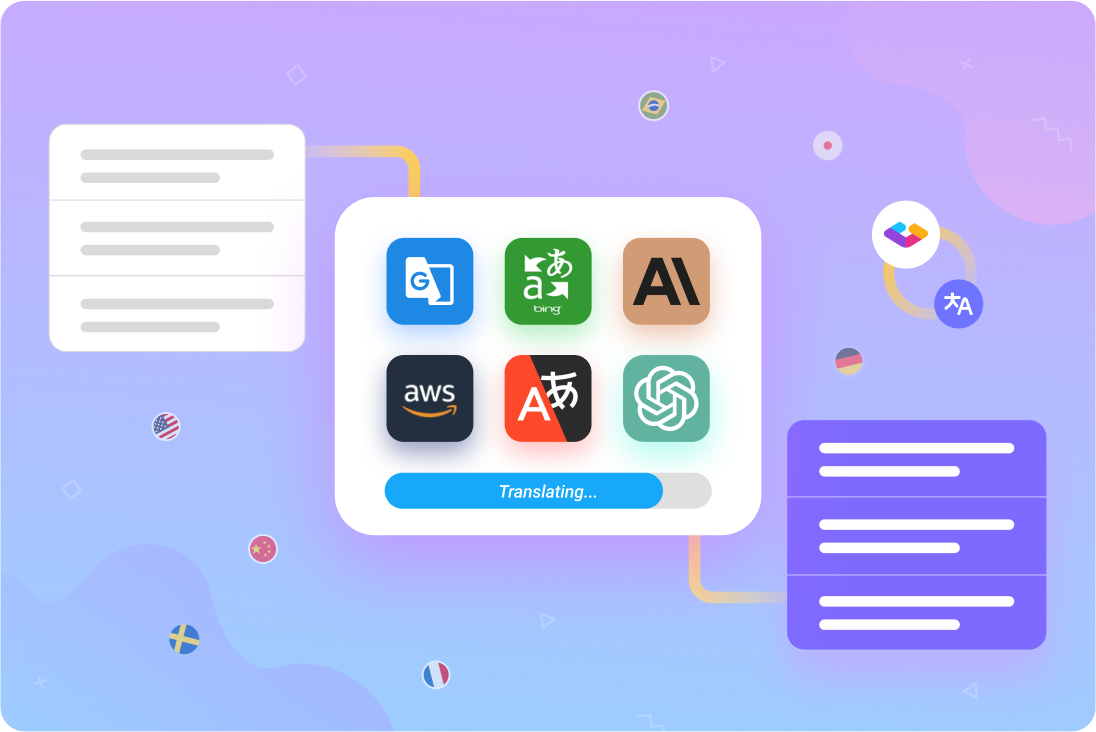
Machine translation (MT) accelerates the first pass of translation at scale, and works best as the input for machine translation post-editing (MTPE) rather than a standalone output.
Machine translation engines - trained neural models that can translate content automatically - have become a standard component of modern localization pipelines. When large volumes of content need to be translated quickly, MT provides an initial output that a human translator can then review and refine. This process, known as MTPE, typically reduces costs by 30-50% compared to full human translation while maintaining professional quality.
The key to effective MT automation is smart routing: not all content should go through the same engine or the same level of human review. UI strings, system messages, and repetitive content are strong candidates for MT. Culturally nuanced copy, marketing headlines, and dialogue-heavy game text typically require more careful human attention.
A well-configured localization platform can route content automatically based on content type, language pair, or custom rules - applying MT where it adds the most value and flagging content that needs closer review.
What role do workflow triggers play in a hands-off pipeline?
Workflow triggers are automated rules that initiate the next step in your pipeline based on a defined condition - eliminating the need for manual handoffs and status checks.
A trigger is any event that sets an automated process in motion. Common examples include:
- A new string appearing in the source triggers an MT pre-translation.
- A string reaching “translated” status triggers a notification to the QA reviewer.
- A QA-approved string triggers an automatic push to staging.
- A failed QA check triggers a ticket assigned to the relevant translator.
The flexibility of triggers is important because not every process should run without oversight. Final pushes to production or sensitive approval stages may always need a human to confirm. Routine tasks - file transfers, status syncs, automated quality checks - are ideal candidates for full automation.
When triggers are configured thoughtfully, the localization pipeline runs largely on its own, with human attention reserved for the decisions that actually need it.
Part 2: What is automated localization QA?
Automated localization QA (LQA) is the use of software to automatically check localized content for technical and linguistic issues - catching errors faster and at a scale that manual review cannot match.
Localization QA is a broad practice covering multiple types of checks: linguistic accuracy, functional testing, UI display, formatting, and regulatory compliance, among others. Some of these checks are well suited to automation. Others require the expertise of a trained linguist or regional specialist.
Understanding which is which - and building a workflow that uses automation where it fits and human review where it does not - is what separates effective automated LQA from a process that creates more noise than it resolves.
What can automated localization QA handle?
Automated LQA tools are best suited for consistent, rule-based checks that would be prohibitively slow or error-prone if done manually.
Here are the categories where automation reliably adds value:
- Navigation testing - Automated browser tools can verify that all buttons and links work correctly in every language in seconds.
- Untranslated string detection - A localization platform can automatically flag any string that has not yet been translated, so nothing slips through to production.
- Screenshot collection - Rather than requiring testers to play through an entire game or application, automated tools collect screenshots of every string in context. Rovio, the developer behind Angry Birds, used a Unity script to automate screenshot collection for Small Town Murders - resulting in a fourfold increase in LQA speed.
- Form and functionality verification - Automated tools check whether forms function correctly in each locale and deliver data to the right destination.
- Smoke testing - An initial automated pass can identify severe errors that prevent the product from functioning, before more detailed testing begins.
- Placeholder and variable checks - Automated tools verify that placeholders, variables, and special characters survive translation intact.
- Spelling and grammar checks - Rule-based checks for common linguistic errors can be automated, particularly for high-volume content.
- Character length validation - Tools can automatically flag translated strings that exceed character limits for their designated UI field, which matters especially for languages that expand significantly from English (German, for example, typically runs 30% longer).
What should stay in human hands?
Linguistic quality, cultural accuracy, and regulatory compliance require human expertise that automated tools cannot replicate.
Automated LQA saves your team significant time by handling the repetitive, rule-based checks. But relying on automation alone introduces risk - particularly for the quality dimensions that matter most to end users.
| Check type | Automated or human? | Why |
|---|---|---|
| Untranslated string detection | Automated | Rule-based, no judgment required. |
| Link and navigation testing | Automated | Consistent and scalable. |
| Screenshot collection | Automated | Removes the need to manually play through builds. |
| Placeholder verification | Automated | Reliable pattern matching. |
| Linguistic accuracy | Human | Requires contextual understanding and language expertise. |
| Brand tone and voice | Human | Regional experts understand how your brand reads in each market. |
| Cultural appropriateness | Human | LLMs and rule-based tools miss cultural nuance. |
| Text and font display issues | Hybrid | Automation collects screenshots; humans review them. |
| Legal and regulatory compliance | Human | Requires specialist knowledge of regional regulations. |
| Payment method verification | Hybrid | Automation can test flows; humans verify compliance. |
The practical implication is this: automated LQA is best used as a first pass that reduces the burden on human reviewers, not as a replacement for them. When automation catches the mechanical errors, your linguistic reviewers can focus their attention on the checks that actually require their expertise.
What are the most common pitfalls in automated localization QA?
The most common pitfall is over-automation - running automated checks without locale-specific configuration, which produces false positives, alert fatigue, and reduced trust in the system.
Here are the challenges most frequently encountered when implementing automated LQA, and how to address them:
1. False positives eroding trust
Automated tools that are not configured for each locale will flag legitimate localized content as errors. Over time, this leads teams to dismiss alerts - including the ones that matter. The fix is to create locale-specific rule sets: configure character limits, right-to-left support, and punctuation rules for each target market separately.
2. Integration gaps creating data silos
Automated LQA tools that do not communicate with your localization management platform create manual handoffs and disconnected reporting. Choose tools with robust APIs, and establish one platform as your single source of truth so all tools sync bidirectionally.
3. Automation replacing rather than supporting human review
Fully automating the testing process - particularly linguistic and cultural checks - results in quality loss. Use automation to handle the checks it does well, and use the time saved to invest in better human review of the checks that matter most.
4. Lack of unified reporting
When QA data is scattered across tools, it is difficult to identify systemic issues or measure improvement over time. Set up a centralized reporting dashboard that aggregates quality metrics from all your automated tools.
How do you choose the right platform for localization automation?
The right localization platform is one that serves as a single source of truth for content, integrates with your existing tools, and provides both workflow automation and QA capabilities in one place.
When evaluating platforms, look for:
- Automated import/export - Can content flow between your platform and your source systems without manual file handling?
- Status tracking and task assignment - Does the platform detect string statuses and route them automatically?
- Translation memory and glossary support - Are approved translations stored and reused automatically across projects?
- Flexible workflow triggers - Can you configure automated actions based on content changes, status updates, or custom conditions?
- Built-in QA tools - Does the platform offer automated quality checks with configurable rule sets, not just spell-checking?
- Integrations with CAT tools and development environments - Can your translators and developers work in their preferred tools while staying synced with the platform?
- Granular version history and rollback - Can you see who changed what, and when, at the string level?
- API access for custom automation - Can developers extend the platform to fit your specific pipeline without heavy middleware?
Gridly is a localization content management platform designed for teams that need both translation management and developer-facing functionality in one place. It provides automated status tracking, configurable workflow triggers, translation memory, multi-engine AI translation, and built-in QA tools - including Auto QA with customizable rule sets and lexiQA for automated detection of spelling, symbols, punctuation, and formatting issues.
Because Gridly stores content in a structured, spreadsheet-style interface with stable IDs and granular access controls, it is well suited as the single source of truth for localization pipelines that span multiple tools and teams.
→ Explore how Gridly’s automation works
→ See how Enuma streamlined their localization pipeline with Gridly
FAQ
What is the difference between localization automation and machine translation?
Machine translation is one specific type of automation - it uses AI to automatically generate a first-draft translation of content. Localization automation is broader: it covers the entire workflow, including how content is imported and exported, how statuses are tracked, how quality checks are triggered, and how approvals are routed. Machine translation can be one component of an automated localization pipeline, but the two terms are not interchangeable.
Can automated localization QA replace human testers?
No - and attempting to use it that way introduces quality risk. Automated LQA is well suited for rule-based checks: untranslated strings, broken links, missing placeholders, and character length violations. Linguistic accuracy, cultural appropriateness, brand tone, and regulatory compliance require human expertise. The most effective LQA processes use automation for the mechanical checks and human reviewers for the checks that require judgment.
How does translation memory reduce localization costs?
Translation memory stores every approved translation your team produces. When the same phrase appears again in a new project, the platform automatically surfaces the stored translation for reuse. This means translators spend less time on content that has already been handled - reducing both turnaround time and cost over the lifetime of the project. The longer a team maintains a translation memory, the greater the efficiency gains on each subsequent project.
What is a workflow trigger in localization?
A workflow trigger is an automated rule that initiates a specific action when a defined condition is met. For example: when a string status changes to “translated,” a trigger can automatically notify the QA reviewer and assign them the task. Triggers are used to eliminate manual coordination between pipeline stages - ensuring the right content reaches the right person without anyone needing to manually move it along.
What should I look for in a localization automation platform?
Look for a platform that acts as a single source of truth for all your localized content, integrates with your development environment and CAT tools, provides configurable workflow triggers, builds and applies translation memory automatically, and includes built-in QA tools with locale-specific rule sets. API access and webhook support are important if you need to connect the platform to custom systems or CI/CD pipelines.
Is localization automation suitable for small teams?
Yes - in some ways, smaller teams benefit most from automation because they have less capacity to absorb manual work. The key is to start with the automations that give the highest return: automated import/export, status tracking, and translation memory. These reduce the administrative overhead that consumes disproportionate time on small teams, freeing capacity for the linguistic and creative work that requires human skill.
Ready to automate your localization workflow? Start a free trial of Gridly or book a demo to see the automation features in action.